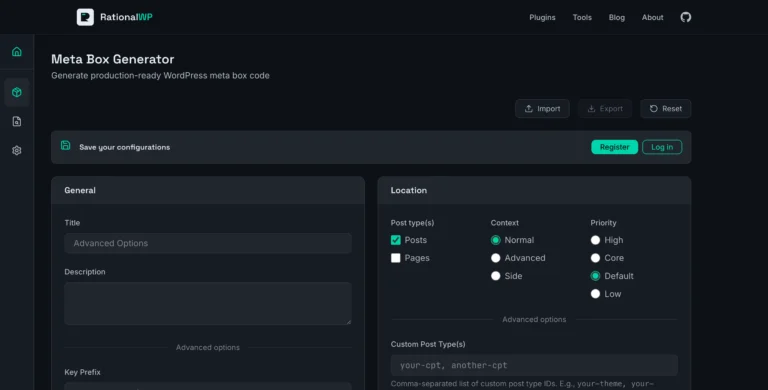
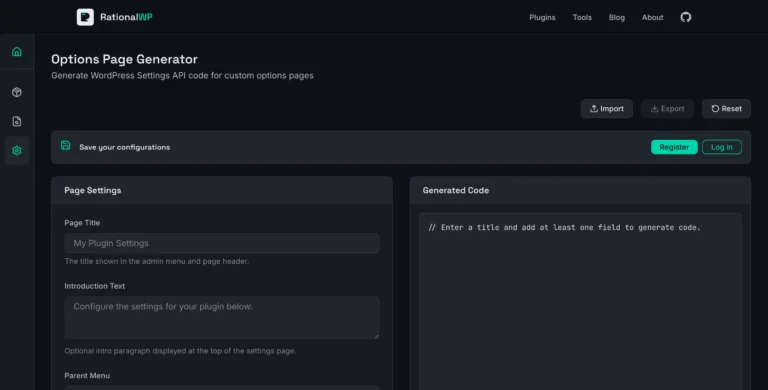
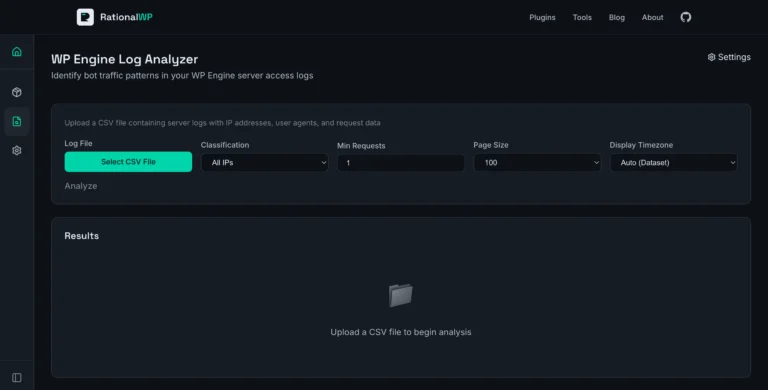
What it does: Scans any webpage and analyzes it across seven SEO categories—crawlability, structure, metadata, social tags, links, images, and technical headers—so you can spot issues before search engines do.
Best for: WordPress developers who want a quick on-page SEO check without signing up for a monthly subscription.
Cost: Free. No account required.
Scanning a Page in 10 Seconds
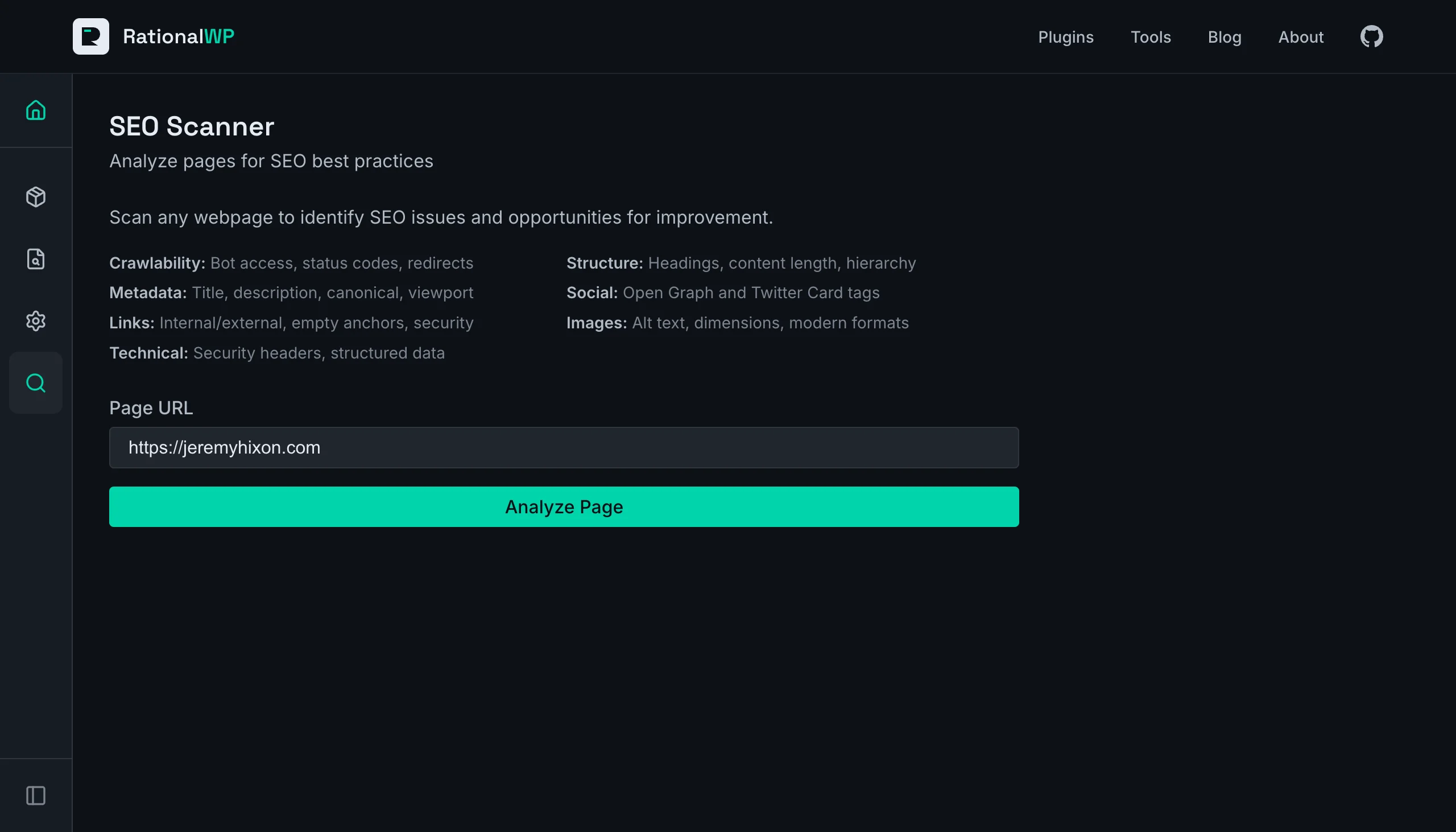
I opened the SEO Scanner and typed my personal site URL into the input field. One click on “Analyze Page” and the tool fetched the page, parsed the HTML, and returned a full report. No waiting for a crawl queue, no email verification—results appeared in about ten seconds.
The report opened with three summary cards at the top: 25 passed checks, 3 warnings, and 0 failures. Below that, seven collapsible sections organized every check by category. Sections with warnings were expanded by default so I could see the issues immediately. Passing sections stayed collapsed to keep things clean.
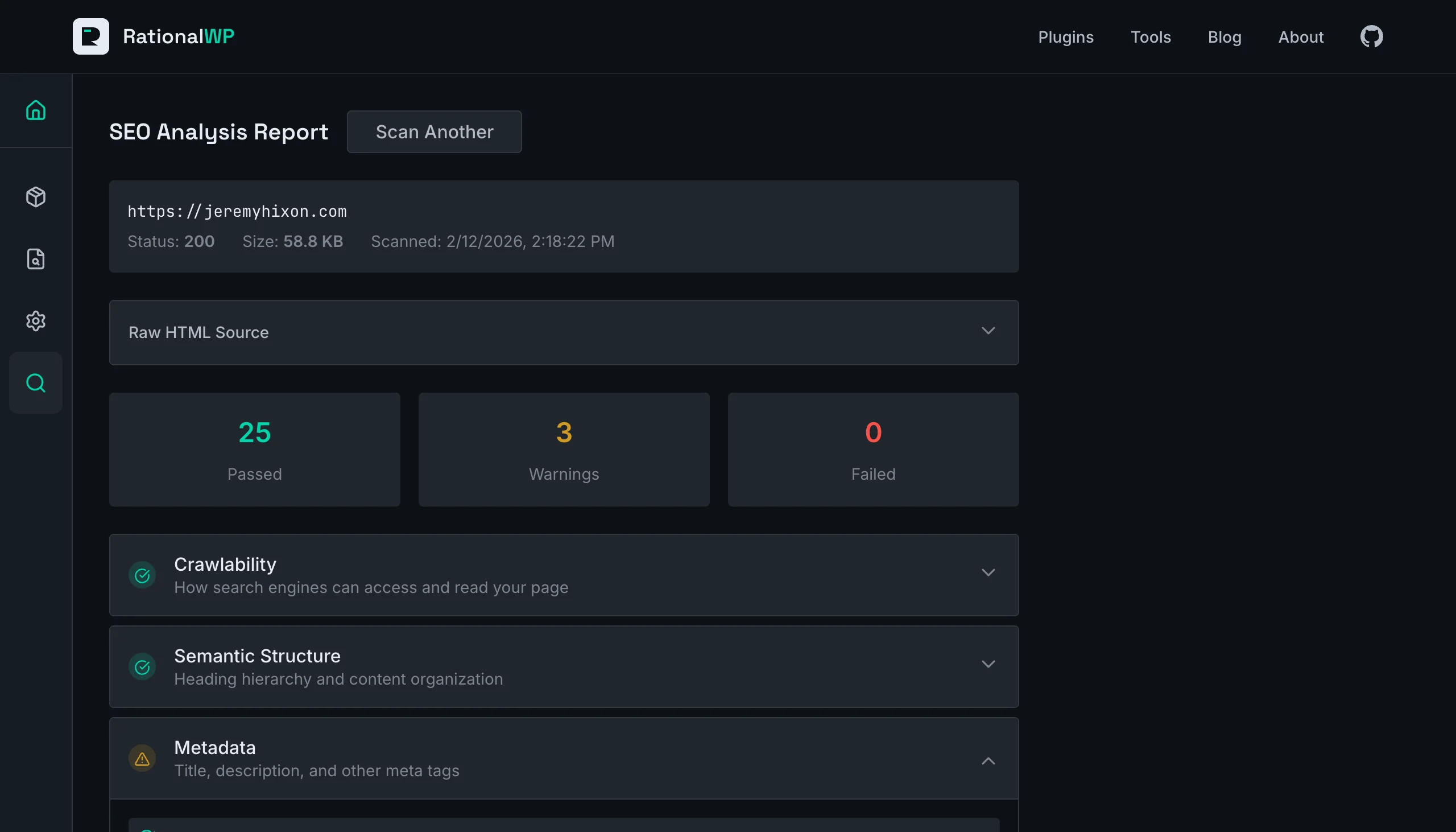
Each check showed the actual value found on the page alongside a plain-English explanation. For example, under Metadata, I could see my title tag was 42 characters (“Title length is optimal”) but my meta description was only 27 characters (“Meta description is short. Aim for 150-160 characters”). No guesswork needed—the scanner tells you what it found and what to fix.
7 Categories, 28 Individual Checks
The scanner covers the on-page SEO fundamentals that matter most for search visibility:
Crawlability: HTTP status code, content rendering (flags client-side-only pages that search engines struggle with), and robots meta tag directives
Semantic Structure: H1 heading (exactly one required), heading hierarchy (no skipped levels like jumping from H2 to H4), and word count (warns below 300 words)
Metadata: Title tag length (50–60 characters ideal), meta description length (150–160 characters ideal), viewport tag, canonical URL, and language attribute
Open Graph / Social: OG title, description, and image for Facebook/LinkedIn previews, plus Twitter Card tags
Link Analysis: Internal vs. external link counts, empty anchor text detection, external link security (rel="noopener noreferrer"), and flagging of javascript: or empty href links
Images: Alt text coverage, explicit width/height dimensions (for CLS prevention), and modern format usage—WebP and AVIF vs. legacy JPG/PNG/GIF
Technical & Headers: X-Robots-Tag, HSTS, Content-Type, server identification headers, plus structured data detection for JSON-LD schemas and microdata
Why Not Just Use Google Search Console?
Google Search Console is valuable, but it has a different purpose. It shows you how Google sees your site after indexing—which pages have impressions, which queries drive clicks, which pages have issues. It doesn’t give you a pre-publish check of a specific page.
The SEO Scanner fills a different gap. You’re building a new landing page or updating an existing one and want to verify the basics before it goes live:
- Catch missing meta descriptions—before Google generates one for you
- Verify Open Graph tags—before someone shares the page on LinkedIn and sees a broken preview
- Check heading structure—before accessibility and SEO both suffer from a skipped H2
- Confirm structured data—before wondering why your page doesn’t get rich results
It also works on any public URL, not just your own site. Scanning a competitor’s page to see how they handle their metadata and structured data takes the same 10 seconds.
When You Might Need More
The SEO Scanner is built for on-page analysis of a single URL. It checks what’s in the HTML and HTTP headers of the page you give it.
If your project requires site-wide crawling (scanning hundreds of pages at once), backlink analysis, keyword research, or rank tracking, you’ll want a dedicated SEO platform like Ahrefs or Semrush. Those tools cover the broader SEO picture—off-page factors, domain authority, competitor keyword gaps—that a single-page scanner can’t.
But for the quick “did I miss anything obvious?” check before publishing or handing off a page, the SEO Scanner gives you a clear answer in seconds.