What it does: Analyzes WP Engine server access logs to identify bot traffic patterns, scoring each IP based on request frequency, timing, and user agent detection.
Best for: WordPress site owners on WP Engine who want to understand what’s hitting their server—legitimate crawlers, aggressive scrapers, or suspicious automated traffic.
Cost: Free. No account required to use.
Understanding Your Server Traffic
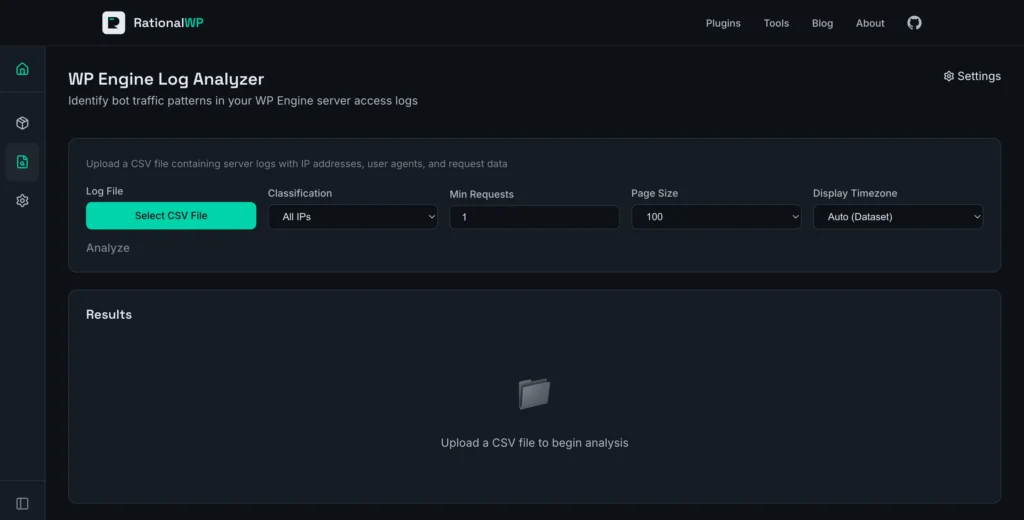
If you’ve ever looked at your WP Engine access logs and wondered “what’s actually hitting my server?”—this tool gives you answers. Instead of scrolling through thousands of raw log entries, you upload a CSV export and get a breakdown of every IP address, classified by how likely it is to be a bot.
The analyzer scores IPs using multiple behavioral signals: how fast requests come in, whether the user agent matches known bot patterns, how often the same resources get hit, and whether the traffic shows burst activity. WP Engine infrastructure IPs are automatically whitelisted so you’re not chasing false positives from their internal systems.
Running an Analysis
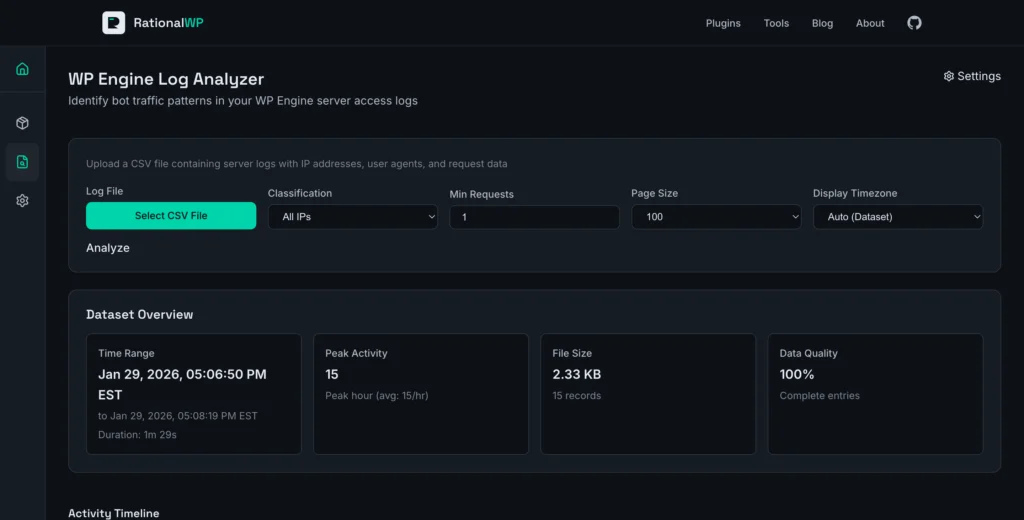
I exported a log file from WP Engine’s User Portal—a small sample with 15 requests over about 90 seconds. Dragging it onto the upload area triggered immediate parsing. No signup wall, no waiting.
The results appeared in under a second. The tool identified 4 unique IPs: two classified as “Likely Bot,” one as “Whitelisted” (a WP Engine payment service), and one as “Likely Human.”
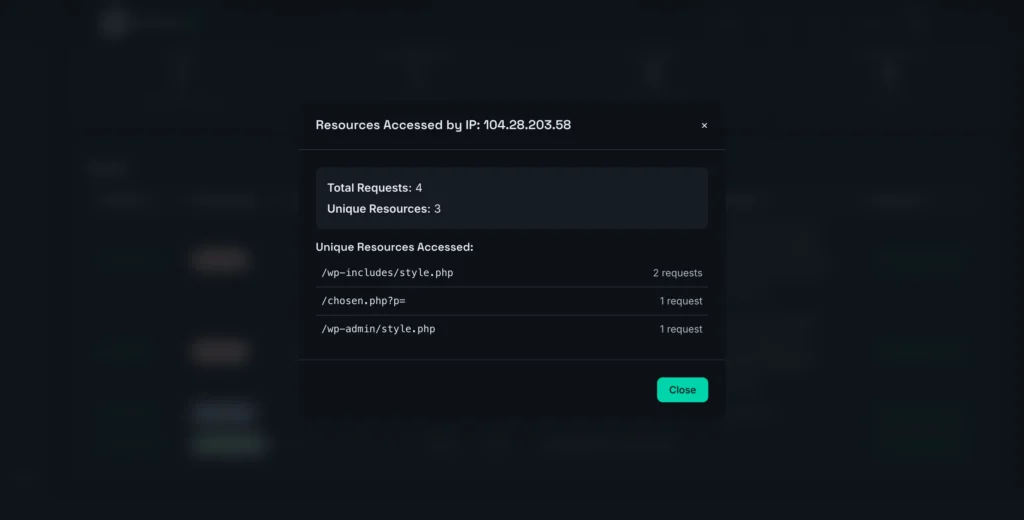
The bot scores told the story. One IP scored 135 points—flagged for a known bot user agent (Go-http-client), very fast request timing (0.33 seconds average), and burst activity. Clicking “Show Resources” revealed it was scanning /wp-includes/style.php and /wp-admin/style.php—paths that don’t exist in a standard WordPress install. Classic vulnerability scanner behavior.
The curl requests from another IP scored 95—legitimate WP Engine cron jobs, but still correctly identified as automated traffic based on the user agent and request patterns.
What the Numbers Mean
Each IP in the results table shows:
- Bot Score – A weighted calculation based on multiple factors. Scores above 50 are “Likely Bot,” 30-49 are “Possible Bot,” below 30 are “Likely Human.”
- Speed – Average time between requests. Sub-second speeds are a strong bot indicator.
- Repeat Rate – What percentage of requests hit the same resources. High repetition suggests automated crawling.
- Detection Reasons – Plain-English explanations: “Known bot user agent,” “Burst activity (<0.5s interval),” “Very high rate (240.0/min).”
The Dataset Overview section shows the time range, total requests, peak activity, and data quality percentage. The Activity Timeline visualizes traffic patterns—useful for spotting bot waves or unusual spikes.
Customizing Detection
The settings panel lets you modify two things: bot detection patterns and whitelisted IP ranges.
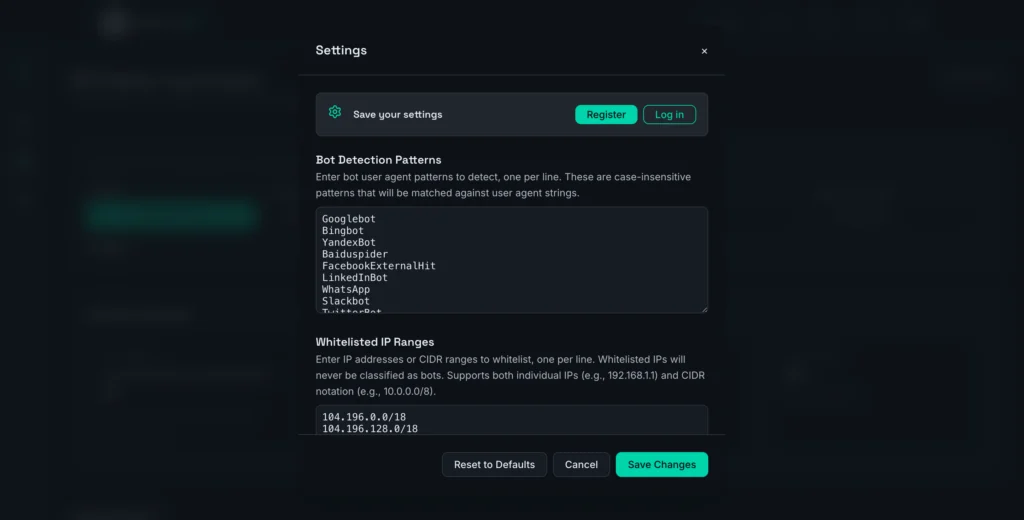
The default bot patterns cover 40+ user agents—search engine crawlers (Googlebot, Bingbot), SEO tools (AhrefsBot, SemrushBot), AI crawlers (ChatGPT-User), and HTTP clients (curl, wget, Python-Requests). You can add custom patterns or remove ones that don’t apply to your situation.
The IP whitelist includes WP Engine’s infrastructure ranges by default. If you have other known-good IPs hitting your server—monitoring services, CI/CD pipelines, internal tools—add them here to exclude from analysis.
When You Might Need More
The WPE Log Analyzer is built for understanding traffic patterns—identifying who’s hitting your server and how aggressively. It processes historical log exports, not real-time streams.
If you need active bot blocking, rate limiting, or firewall rules, you’ll want to pair this analysis with WP Engine’s traffic management features or a dedicated security solution like Cloudflare or Sucuri. The analyzer tells you what to block; those tools do the blocking.
For sites outside WP Engine’s ecosystem, the tool still works with any CSV containing IP Address, Time, User Agent, and Resource columns—but the whitelist defaults are optimized for WP Engine infrastructure.
Getting Started
Export your access logs from WP Engine’s User Portal (Sites → Logs → Access Logs), upload the CSV, and the analysis runs immediately. Filter by classification type to focus on likely bots, sort by score or request count, and click any IP to see exactly which resources it accessed.
For WP Engine users who want clarity on their server traffic without parsing raw logs, this gets you there fast.