WP Engine Log Analyzer
Analyze WP Engine access logs and detect bot traffic instantly. No signup required.
Upload your WP Engine access log and get instant traffic insights. Identify bots, analyze visitor patterns, and understand who's hitting your site with detailed IP classification and behavior scoring.
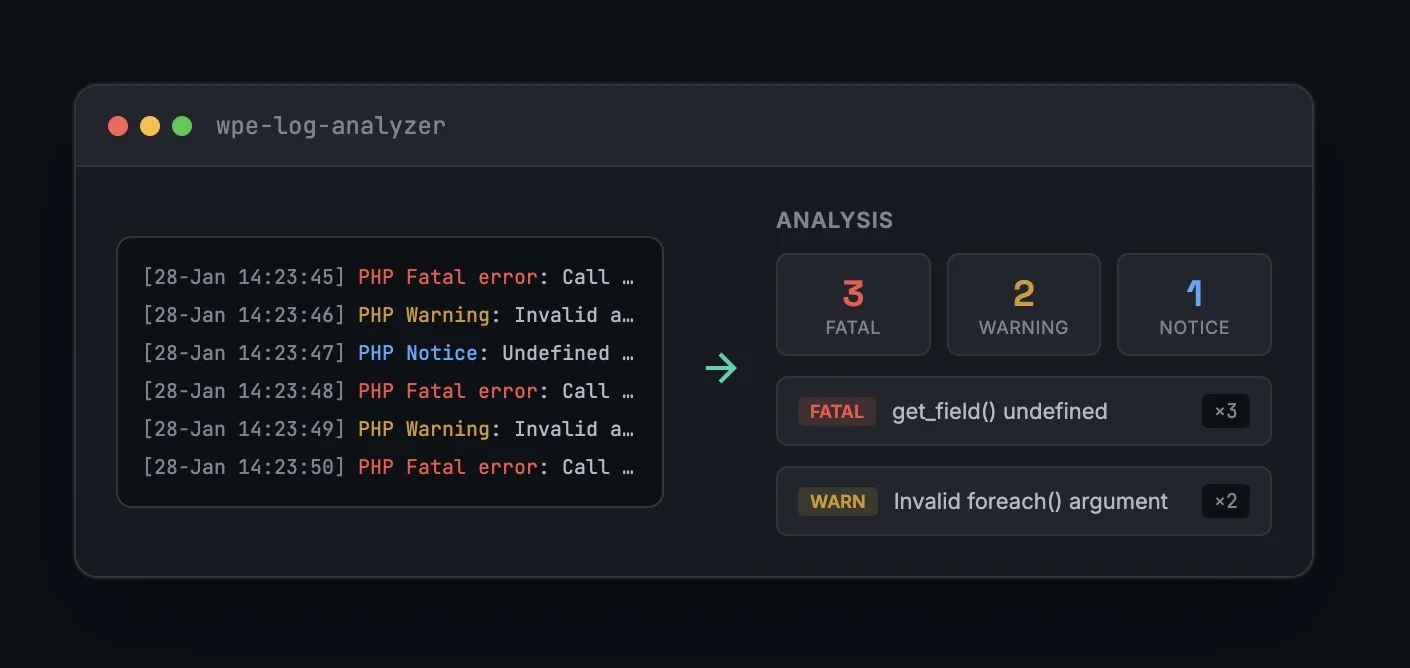
How It Works
Upload Your Access Log
Drag and drop your WP Engine access log CSV file or paste the contents directly into the analyzer.
Analyze Traffic Patterns
The analyzer processes each request, identifies user agents, calculates request speeds, and scores IPs for bot-like behavior.
Investigate & Export
Review classified IPs, drill into specific visitors to see which resources they accessed, and export your findings.
Instant Traffic Intelligence
Get actionable insights from your access logs.
# Sample WP Engine Access Log Entry
"2026-01-28 17:15:32","24.2.27.145","GET","/guides/growth-minded-website-design/",200,"Timpibot"
"2026-01-28 17:15:33","66.249.65.37","GET","/blog/",200,"Googlebot/2.1"
"2026-01-28 17:15:34","10.116.97.211","GET","/wp-admin/admin-ajax.php",200,"curl/7.68.0"Built for WP Engine Users
Bot Detection
Identify crawlers, scrapers, and automated traffic hitting your site. See which bots are well-behaved and which might be problematic.
Security Analysis
Spot suspicious traffic patterns like high-speed requests, repetitive access, or IPs hammering specific resources.
Traffic Understanding
See exactly who's visiting your site, what they're accessing, and how much of your traffic is bots vs. real users.
Explore the Rational Console
Free developer tools for WordPress development.
Ready to analyze your traffic?
No signup. No email. Just upload your access log and start discovering what's hitting your site.